
Customizable input and output dialogs
Main sequence, calls the dialog window and the dialog controller in parallel.
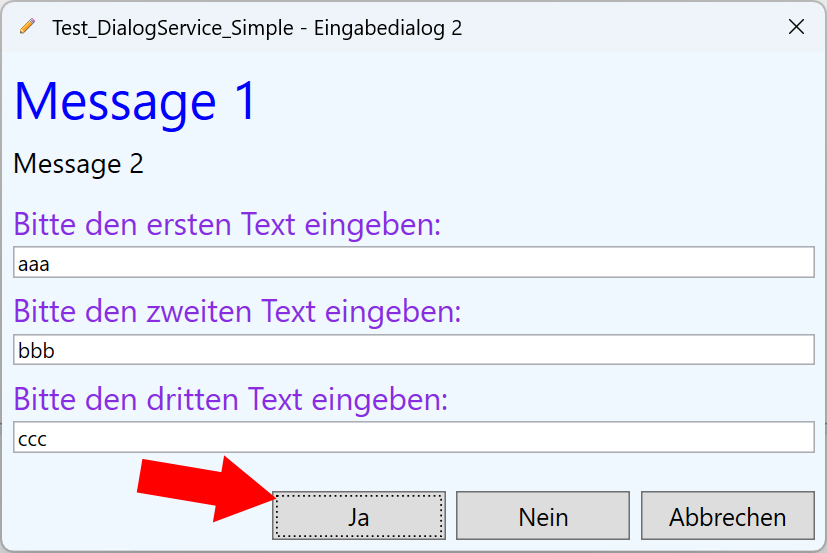
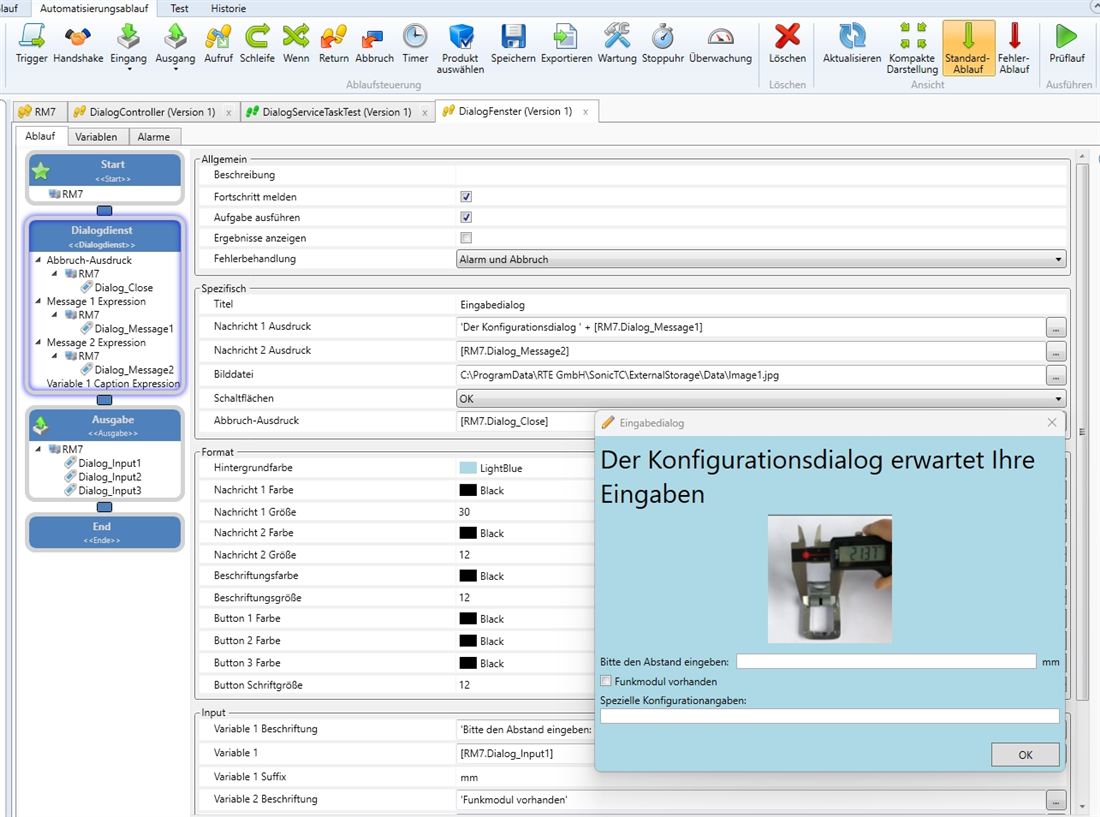
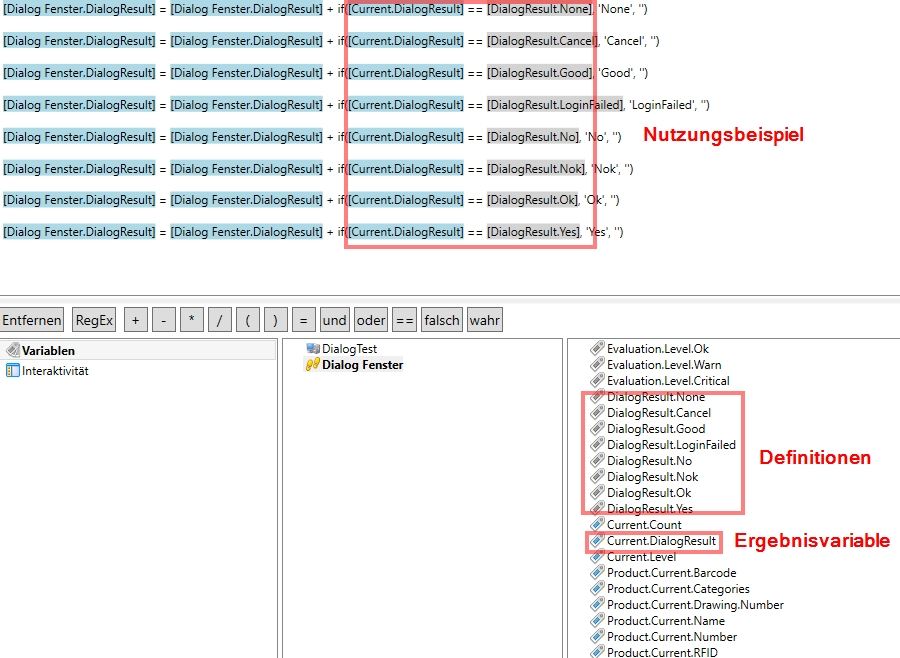
Demonstrates the customizable operator dialogs: formatted titles and messages, embedded images and several input fields in one dialog. The dialog service shows an input dialog whose result (Good/Bad/Cancel/None) is evaluated in the workflow; confirmed entries are passed on to a PLC. A parallel controller workflow drives the open dialog from the outside on a timed basis and shows a countdown — displayed values update automatically when a variable changes.
Workflows in detail
-
DialogTest
Main sequence, calls the dialog window and the dialog controller in parallel.
Start → call "Dialog Controller" → call "Dialog Window" → end; error flow present.
-
Dialog Window
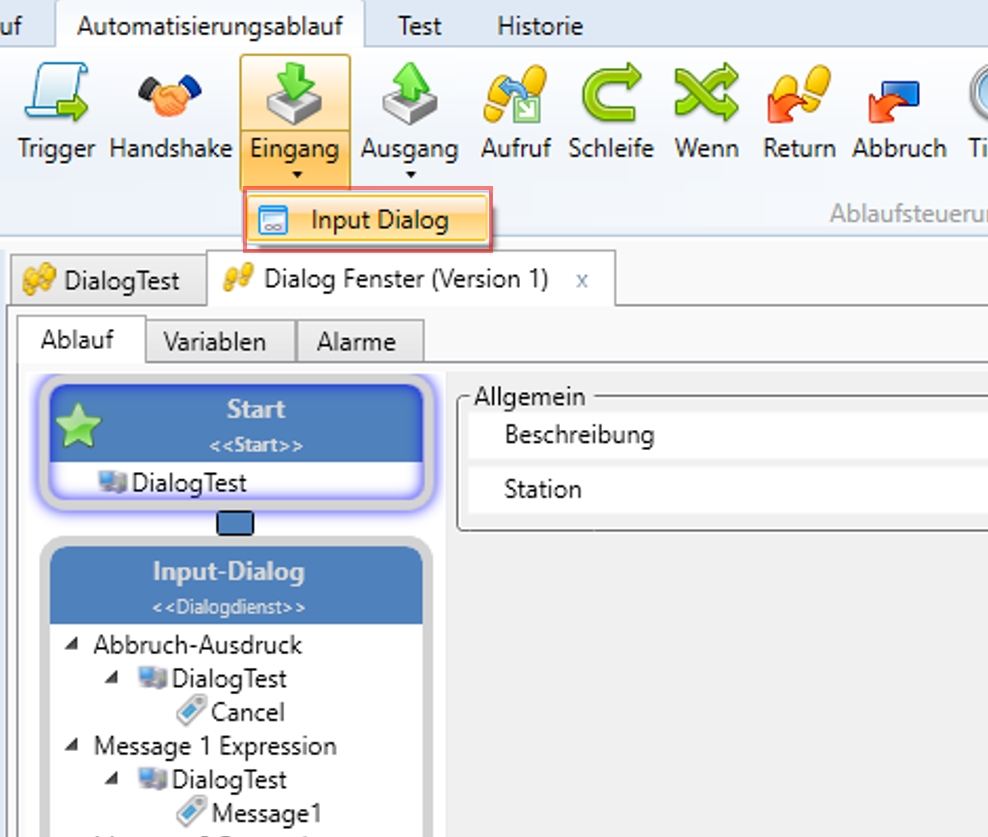
Shows the input dialog and processes the result.
Start → input dialog (dialog service) → if "OK": send entries to the PLC → result output → end.
-
Dialog Controller
Drives the dialog from the outside on a time basis.
Start → wait 15 s → countdown outputs 5→4→3→2→1 at one-second intervals → closing output → end.
Inside the software
Take it with you
Import through the SonicTC DbManager — individually or merged into an existing database.
Ready to experience acoustic test technology in your line?
Send us your part or schedule an online demo. First assessment within 24 hours.