
FRF impact hammer analysis with repeat measurements (NI-9234)
Framework sequence with optional setup mode and a triggered series test.
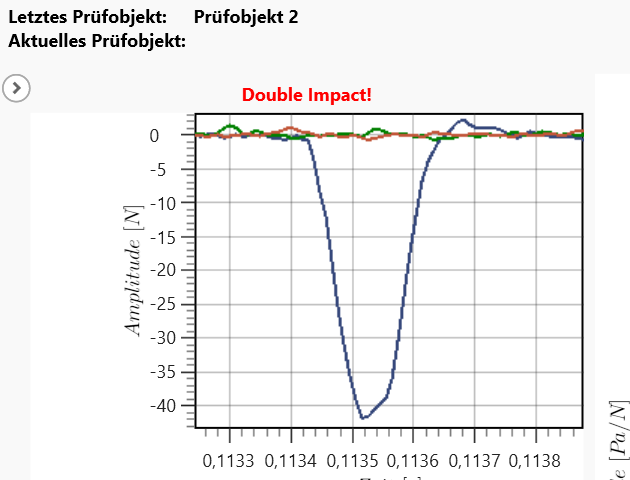
FRF analysis with an automatic impact hammer and data acquisition through a National Instruments NI-9234 module. After an optional setup step — move the hammer position, enter the excitation amplitude interactively — the series test runs: three impacts are performed per test part, force sensor and microphone signal are measured for each and the averaged frequency response function is calculated. The evaluation covers FRF spectrum, peak detection and loss factor; a decay time between the impacts ensures that structures have settled.
Workflows in detail
-
Main
Framework sequence with optional setup mode and a triggered series test.
Start → if "setup": call Setup → loop (start trigger → call Measure → store) → end; error flow present.
-
Setup
Interactive hammer setup.
Start → output EndPos → setup trigger → output StartPos → input "current amplitude %" → end.
-
Measure
Three repeat measurements for FRF averaging.
Start → loop "FRF averaging" (excite → signal trigger force sensor → force sensor measurement → microphone measurement → FRF analysis → if repetition < 3: decay time) → end.
-
FRF Analysis
Characteristic block.
Characteristic start → FRF → peak detection → loss factor → characteristic end.
Inside the software
Take it with you
Import through the SonicTC DbManager — individually or merged into an existing database.
Ready to experience acoustic test technology in your line?
Send us your part or schedule an online demo. First assessment within 24 hours.